Pomodoro Timer App for Deep Focus
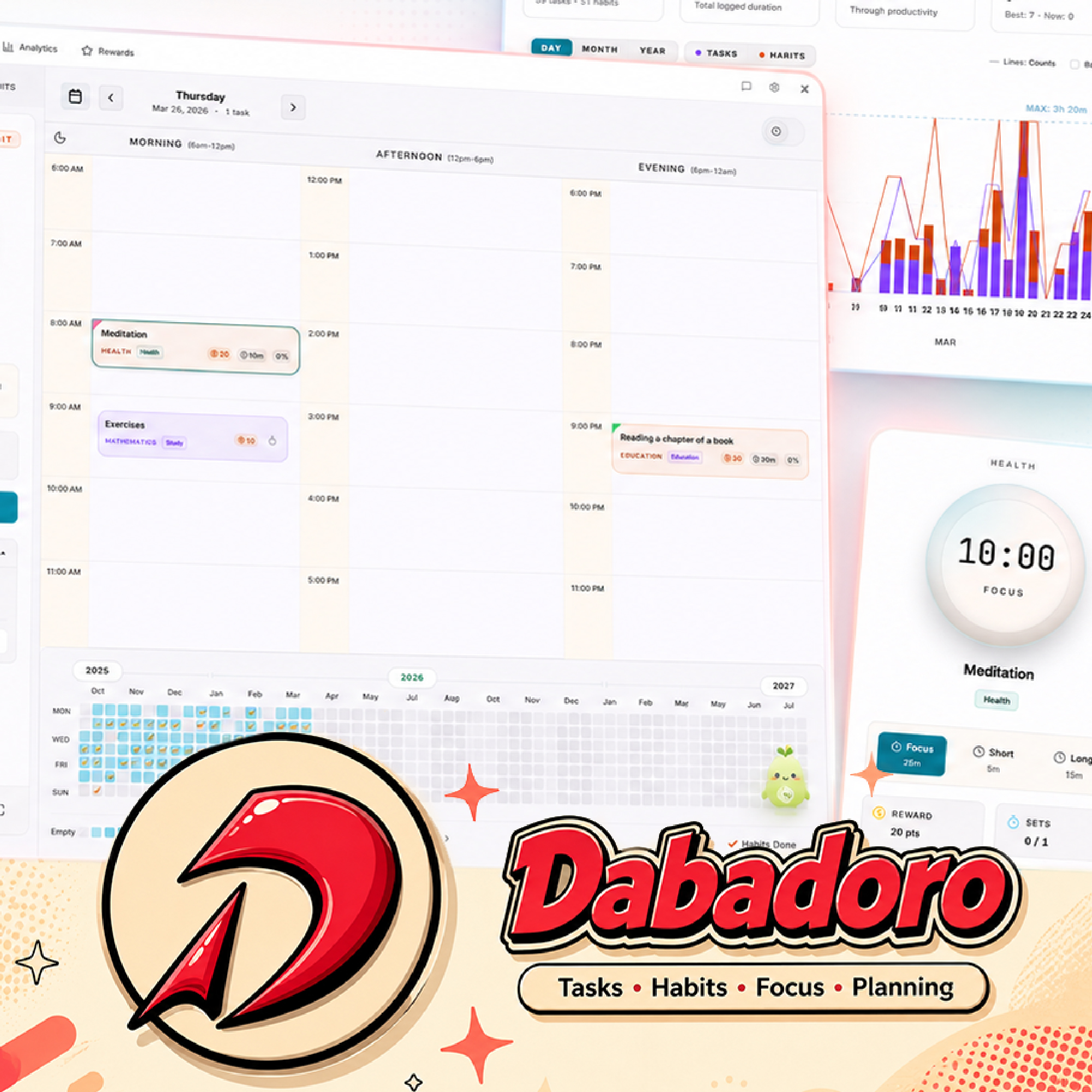
Dabadoro is a free desktop Pomodoro timer app for Windows, macOS, and Linux that combines focused work sessions, short breaks, long breaks, task checklists, and session notes in one calm workspace, so the timer and the work context stay side by side.
Last updated: 2026-05-15
Key features
- Full-screen focus mode. Run a clean Pomodoro timer with Focus, Short Break, and Long Break modes. The active task, checklist, and notes stay in view so every session has a clear target.
- Integrated task lists and checklists. See your tasks directly inside your focus session. Check off subtasks without leaving the timer so you never lose the thread when a session ends.
- Notes and context that stick to the task. Capture links, loose thoughts, decisions, and next steps while you work. Notes stay attached to the task they came from instead of scattering across other apps.
- A Pomodoro timer built into a full productivity system. Sessions aren't stranded in a timer app. Every focus session feeds your analytics, earns XP and coins, and counts toward habit streaks in the rest of Dabadoro.
Frequently asked questions
Is Dabadoro's Pomodoro timer free?
Yes. Dabadoro is free to download and use on Windows, macOS, and Linux. Optional premium features are planned, but the Pomodoro timer and core productivity workflow will always be available for free.
Does it work on Windows, macOS, and Linux?
Yes. Dabadoro ships as a native desktop app with Windows EXE and MSI installers, macOS DMG builds for Apple Silicon and Intel, and Linux AppImage, deb, and rpm packages.
Can I change the Pomodoro session length?
Yes. You can adjust focus, short break, and long break durations so you can use a classic 25-minute Pomodoro or a longer deep work rhythm.
Does the timer work together with tasks and habits?
Yes. You pick a task, start a focus session, and the time, checklist completions, and notes all stay attached to that task. Sessions also count toward daily analytics and any related habit streaks.
Is Dabadoro only a Pomodoro timer?
No. The Pomodoro timer is one part of a larger system that also includes task management, habit tracking, drag-and-drop daily scheduling, analytics, AI planning agents, and gamified rewards.
Related pages: Habit Tracker, Daily Planner, Calm Focus App.